SAP Business One WMS Integration: Inventory Accuracy and Warehouse Automation
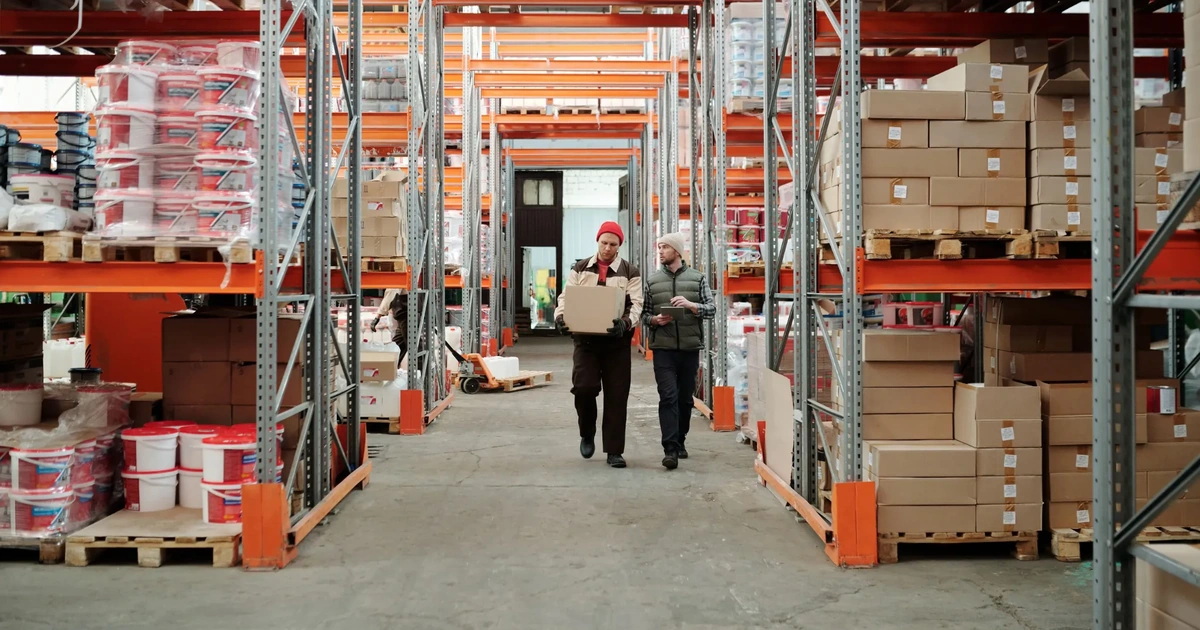
Your system says 140 units are in stock, but the picker walks to the rack and finds just 90. The customer was promised delivery tomorrow.
This gap between ERP records and the shelf reality is the main reason companies consider SAP Business One WMS integration. SAP Business One correctly tracks stock at warehouse as well as bin level. It does not direct how goods move on the floor. A warehouse management system (WMS) fills that gap. This guide will explain how the connection works, what it fixes, and what to check before you start.
What Is SAP Business One WMS Integration and When Do You Need It?
Most teams will ask this question after a stock count has already gone wrong.
SAP Business One WMS integration links the ERP to a warehouse system, so that both work from only one set of stock records. The WMS runs receiving, put-away, picking, packing and shipping on handheld scanners. SAP Business One receives the confirmed results as goods receipts, transfers and deliveries. Every physical movement creates the matching ERP document without re-keying.
When is SAP B1 warehouse management not enough?
SAP B1 warehouse management is enough when you run a few warehouses with simple flows. It supports bin locations, batch numbers and serial numbers natively. It falls short when the floor needs directed processes. Feature comparisons published by WMS add-on vendors show these typical gaps:
|
Capability |
Native SAP Business One |
With a WMS |
|
Bin locations, batches, serial numbers |
Yes |
Yes |
|
Zones, docks and silos |
No |
Yes |
|
Cross-docking |
No |
Yes |
|
ASN (advance shipping notice) receiving |
No |
Yes |
|
Inbound container management |
No |
Yes |
You have likely outgrown native features if:
-
Physical counts regularly differ from system stock
-
Pickers work from printed lists and memory
-
Order volume grows faster than warehouse headcount
How does SAP B1 warehouse integration connect to a WMS?
SAP B1 warehouse integration runs through the Service Layer, the DI API, or a middleware platform. The method decides how fast data moves and how much custom work you maintain.
-
Service Layer: REST-based and suited to real-time, cloud-friendly connections
-
DI API: Windows-based and common in older add-ons that need deep object access
-
Middleware (iPaaS): one platform that connects SAP Business One, the WMS, e-commerce and carriers
Real-time sync suits picking and shipping. Scheduled sync suits master data such as item and vendor updates.
How Does SAP Business One WMS Integration Improve Inventory Accuracy and Warehouse Automation?
Accuracy comes from capturing every movement the moment it happens. Automation comes from the system telling workers what to do next.
How does SAP Business One inventory integration improve stock accuracy?
SAP Business One inventory integration improves accuracy by validating each movement at the scanner before it posts. A picker scans the bin, then the item, then the quantity. A wrong scan is rejected on the spot. With end-of-day manual entry, the same mistake stays hidden until the next count.
-
Bin-level stock: quantity is tracked per bin through sublevels such as zone, area and row, not only per warehouse
-
Batch and serial control: expiry dates and traceability follow each unit
-
Cycle counting: counts run daily by zone instead of one annual shutdown
-
Audit trail: every WMS event links back to an ERP document reference
Which warehouse processes can you automate?
Five processes change the most after integration:
|
Process |
What the WMS does |
What posts in SAP Business One |
|
Receiving |
Scans goods against the purchase order or ASN |
Goods receipt PO |
|
Put-away |
Directs stock to the right bin |
Bin allocation and stock transfer |
|
Picking |
Generates guided pick lists |
Pick list and delivery |
|
Packing and shipping |
Confirms cartons and prints labels |
Delivery note |
|
Replenishment |
Flags pick bins that run low |
Inventory transfer request |
Let's say a distributor handles 300 orders a day. If 2% ship wrong, it comes to six returns every day. Each one means a re-pick, a credit note and an unhappy customer. Scanner validation at the pick step targets exactly that error.
Is SAP B1 warehouse management with a WMS worth it for a small warehouse?
It is worth it once picking errors or count differences cost more than the add-on. Small warehouses often start with native bin locations and add a WMS when volume or complexity grows. SAP B1 warehouse management on its own can carry a simple operation for a long time. Use these signals to decide:
-
Stay native: one warehouse, low order volume, no zones or docks
-
Add a WMS: several warehouses, batch-tracked or expiry-driven goods, or scanner-based picking
-
Add it early: a second site is planned within the year
What are the common SAP Business One WMS integration mistakes?
Most failures come from unclear ownership of data, not from the connection itself. Four mistakes appear again and again:
-
Two owners of stock quantity: decide which system holds the master figure, because two owners produce two answers
-
Real-time sync for every field: reserve it for events that move stock, such as receipts, picks and shipments
-
No reconciliation report: compare WMS stock with SAP Business One stock every day, so drift shows up in hours, not at year end
-
Weak scanner training: a good SAP Business One inventory integration still fails when staff bypass the scanner and fix quantities by hand
What should you check before starting the integration?
Check data quality and process design before any code is written.
-
Item master: unique codes, correct units of measure and barcodes on every item
-
Bin structure: a naming convention that mirrors the physical layout
-
Sync rules: which events run in real time and which run in batches
-
Error handling: what happens when a posting fails in the middle of a shift
-
Test scope: one full receive-to-ship cycle on a single warehouse before go-live
Fixing bin names after go-live means relabelling racks, so settle the structure first.
Let's revisit the rack that only had 90 units. The system said 140 and the shelf held less because a movement happened which the ERP never saw. With SAP Business One WMS integration, that movement is scanned, validated, and posted before the picker walks away. The stock count stops being different at each place and becomes a universal fact.





0 Comments