How SAP Business One Supports Textile and Apparel Businesses Across Multiple Production Units
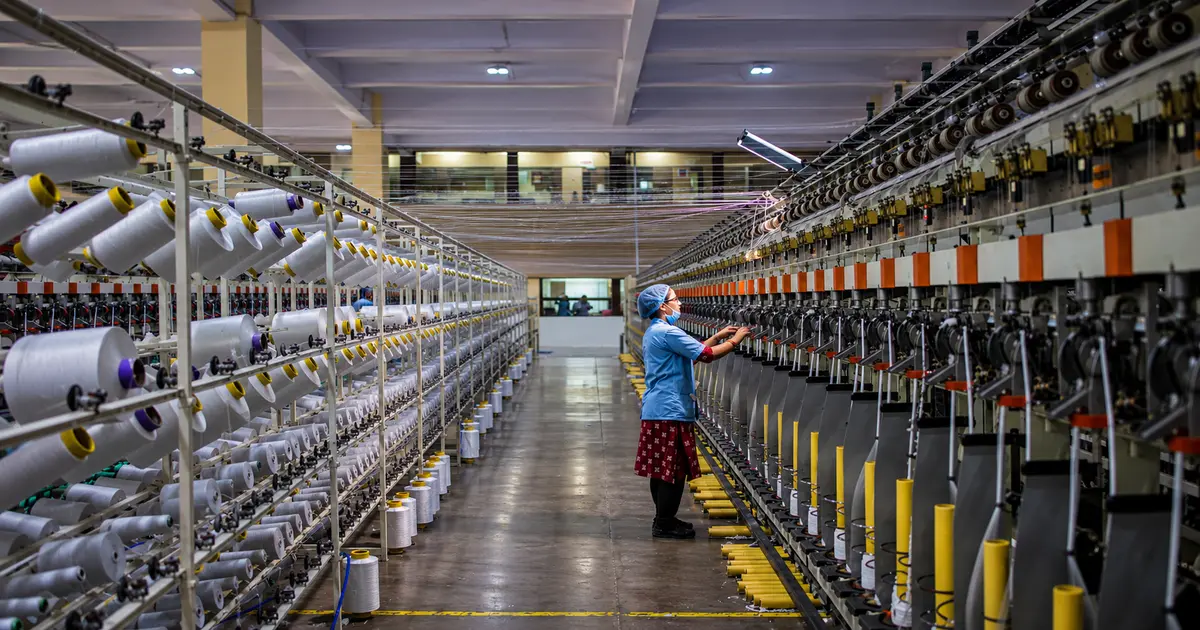
One production unit has 4,000 meters of unused fabric, while another has stopped stitching because the same material is unavailable there.
Nobody was able to catch this problem because every unit has its own stock register. This is the type of gap SAP Business One for textile industry is meant to fill.
In textile ERP projects of businesses which have multiple units, one of the first issues the implementation teams see is that they have ample production skills, but they struggle with real-time visibility across units.
Why Do Apparel and Textile Businesses with Multiple Units Need an ERP
Without an ERP, the head office works from reports that are already a day late. A connected and unified ERP gives every unit of the business the same stock, costing, and order record. Good ERP platform removes this delay.
What goes wrong when each production unit runs its own records
Stock, costs, and delivery dates don't match across units. The common signs could be as follows:
-
Duplicate buying: Unit 2 reorders the same fabric that Unit 1 already holds.
-
Unclear costing: The same style costs a different amount in each unit, and nobody knows why.
-
Late shipments: Buyers get shipping dates based on guesses and not the actual capacity.
-
Slow month-end closing: Accounts department spends days matching and merging spreadsheets from each unit.
If the number of units goes over two or three, these problems get multiplied.
What should textile ERP software handle across units
It should handle five things: materials, production, job work, costing, and consolidation. Good ERP for the textile industry covers all five in a single system.
|
Area |
What it must do |
How SAP Business One handles it |
|
Materials |
Track fabric, yarn and trims by lot and location |
Batch management across multiple warehouses |
|
Production |
Plan orders against real stock |
Bills of materials, production orders, MRP |
|
Job work |
Control outsourced stitching, dyeing and washing |
Subcontracting through production and purchase documents |
|
Costing |
Show cost by style and unit |
Item costing with cost centers per unit |
|
Consolidation |
Give head office one view |
Live reports across warehouses and branches |
How Does SAP Business One for Textile Industry Work Across Multiple Production Units?
It considers each unit as a warehouse, a branch, or a separate company inside one system. The correct model is totally dependent on your legal structure and gets decided during the SAP Business One implementation. Your ERP solution provider maps the structure and processes of your business before configuring anything. The head office sees every unit, and each unit sees its own work.
How fabric, yarn, and trims are tracked across units
Fabric, yarn, and trims are tracked through batch-managed items and multiple warehouses. Three things change on day one:
-
Lot tracking: Every fabric lot carries a batch number, so even a color shade problem traces back to the exact garments cut from it.
-
Inter-unit transfers: Stock moves between units as properly recorded transfers and not just phone calls.
-
Shared purchasing view: Buyers see stock in every unit before raising a new purchase order.
How is production and job work planned across factories
It is planned by matching production orders against live stock in every unit. The scale of the business affects the planning.
For example, in bulk jeans factories, the count of sewing and finishing stock alone can go up to hundreds of thousands of pieces. Because of this, guessing is risky and expensive.
-
Bill of materials per style: Fabric, thread, buttons and labels are fixed for each style.
-
MRP: Shortages show up before cutting starts, not after.
-
Job work: Dyeing, washing, or embroidery goes out and comes back against the same order.
A reliable ERP for textile businesses ties every outsourced step back to its original order.
What does a multi-unit rollout look like
You should start with one unit, then add the rest of them in phases. A typical sequence looks something like this:
-
Map the units: List all items, warehouse, cost center and approval step in each unit.
-
Clean the data: Fix duplicate item codes and missing batch numbers before migrating data. Two codes for the same fabric will split your stock report in half.
-
Go live with one unit: Pick the unit which has the simplest flow and run it for an entire production cycle.
-
Add the remaining units: Roll out one unit at a time and review stock and costing accuracy after each rollout is completed.
A phased rollout makes sure that the production keeps running while the team learns the system.
Is SAP Business One enough for every apparel and textile business
No. As an ERP software, it is suited for growing and mid-sized companies, but it needs to be tailored for garment-specific work. Three gaps are common:
-
Size-color matrix: Standard SAP Business One has no built-in style, size and color grid. Partners add one through a vertical add-on or custom development.
-
Line-level detail: Cut plans, sewing line targets and fabric roll tracking usually need extensions.
-
Very large groups: Companies with many large plants may be better placed on SAP S/4HANA.
Ask your ERP solution provider about which of these gaps are already built and tested. Good ERP here means the standard SAP Business One plus an industry layer, and that layer decides how the project goes.
How do you choose the best SAP partner in India for a textile business
Choose the SAP partner that has already delivered garment or textile projects, not just general ERP rollouts. Check these five things:
|
Check |
What to look for |
|
Industry projects |
Live textile or garment references with several units |
|
Gap-fitting skills |
Tested size-color, job-work and costing add-ons |
|
Rollout method |
One unit first, then the rest, with data migration and training |
|
Support |
A local team with defined response times |
|
Certification |
Authorized SAP partner status and certified consultants |
Ask how they run an SAP Business One implementation across units and talk to a customer who has been through it. The best SAP partner in India for your company does not necessarily be the largest. It's the one that has solved a problem similar to yours before.
An SAP Business One solution provider with its own support team stays useful even after go-live whereas an ERP software provider that only sells licenses does not.
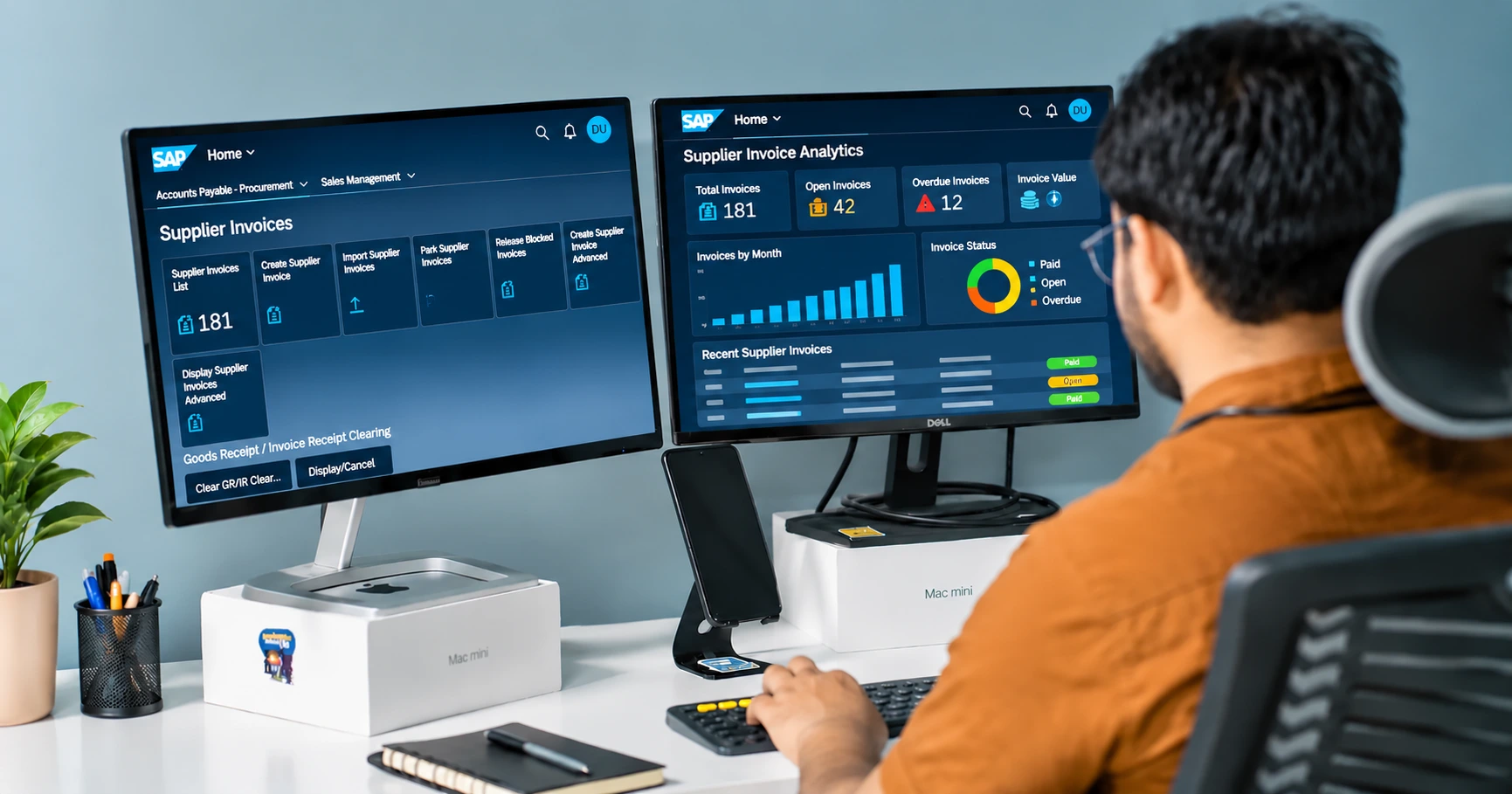
Now, let's circle back to that unit which had unused fabric and the unit which wasn't producing anything. With SAP Business One, this mismatch would have shown up on one screen on the same day it started and not as a missed shipment two weeks later. The unit which has the fabric ships it and the unit that needs it gets it.



0 Comments